I really, REALLY want to use swear words. But I won’t. At least not on here. If you stop by my house this week, you might hear some good ones though. I’m in computer h. e. double hockey sticks. Seriously. The PC died. The one that had all of SuperGuy’s work stuff on it. :wallbash:
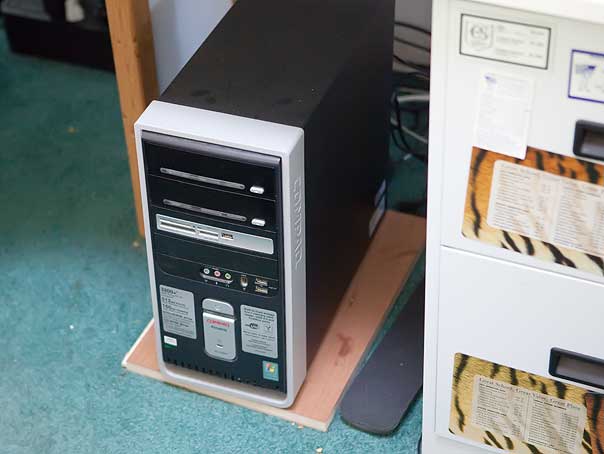
Sitting there, looking at me innocently. Ha! The mean, evil PC. (yes, I know I need to vacuum my office floor.) As a total aside, how much longer do I have to live with this teal/green carpeting. I’m SO over it…
I’m a Mac person, but we need a PC to run SuperGuy’s business software. The software that they only guarantee compatibility with Windows XP… :mad2:
Windows XP is about impossible to find anymore, and costs more to get it than the Vista machines. So…I decide we’ll go with a Vista machine and I’ll strong arm the software into compliance.
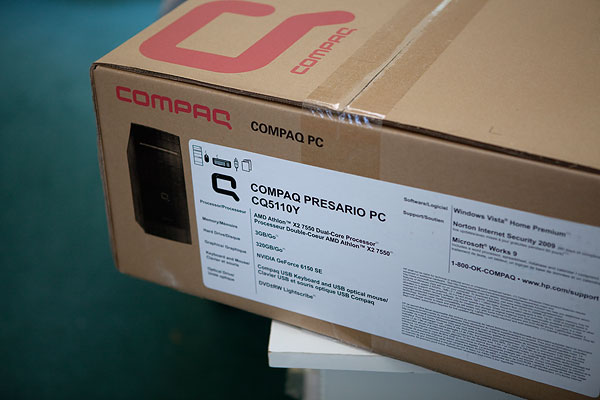
I go to Best Buy. I ask for the cheapest desktop with Vista 32 bit on it. They have two to choose from. I pick one. They are out of it. I pick the other…they are out of it. :help:
So they call around and locate it at another Best Buy and off I go to pick up the machine. I get the stupid computer and I have been in agony ever since. I do not know Vista. At. All. I did have backed up DATA files. But there is that whole problem of finding the actual software programs… It took me until today to find SuperGuy’s software. Of course it then took me forever to find the software key. I did manage to install it and it runs…barely…on the Vista after spending all afternoon tweaking it. Okay, I’ll live with it. Oh, and did I mention I lost two months of data that I’ll have to re-enter in the process??
Moving onto our personal financial stuff…which I had on Microsoft Money…no idea what version I had, no idea where the software disks were. I DID find 4 different version of it. I’ve been using it forever for my finances…I was fairly certain I could rule out the 1998 !!! version of it… (and I do NOT know why WordPress insists on putting a space after the 1 key. Can’t figure it out…) Tried all my versions but none would open the file. So I finally Googled around and found a site that had trial versions to download. One by one I downloaded them. On my 3rd try…2004, by the way, I got my file to read. But the program shut down saying it would only work during the year 2004! :cursin:
So, I figured out Vista enough to go in and reset the date on my computer to September 2004. (I thought that was pretty clever!) I’m getting rather annoyed at this point. I’m going to try and figure out how to convert the files to Quicken, then convert that to Quickbooks for Mac. I’m SO over PCs. Really over them.
My office now looks like a bomb went off …
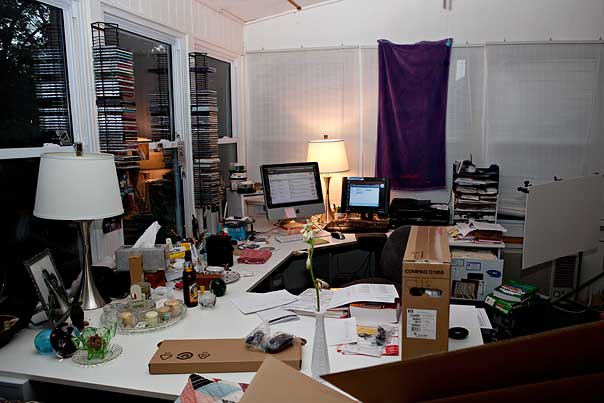
I’m no where near finished with digging myself back out, converting data, and getting up and running again. Sigh. (oh, that towel up there? That’s right where the sun shines through in the morning and glares on my computer screen. I got tired of the glare and tacked up the towel to block it. The new trendy look in window treatments…)
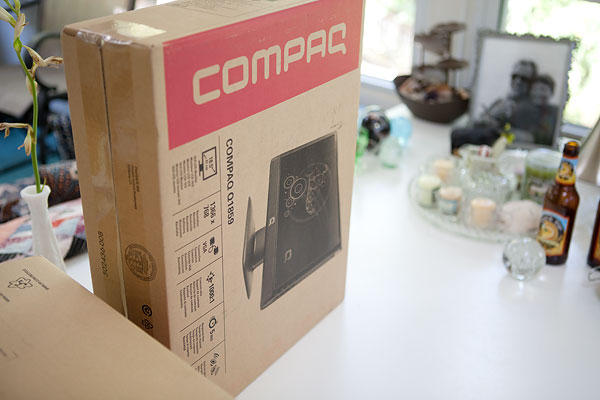
The only good thing out of all this? When we were at Best Buy I noticed that for $10 more we could get an 18″ flatscreen monitor. (grrr with the extra space again! Does it show an extra space between the 1 and the 8 for you??) So we bought it. Even though I don’t need it…and just bought a monitor for over at The Love Nest. Couldn’t pass up a $10 monitor.
So If you don’t see me out blog hopping this week, or if I seem in an unusually sullen mood on Facebook, ignore me. I’ll eventually get it all sorted out. Move as much as I can over to my beloved Mac, and hopefully get caught up on my real job later this week.
The saga of computer hades ends.
If you missed my blog post this weekend, I posted that September’s Photo of the Month theme is Purple! I’ll call for submissions, um, tomorrow! I’m running out of month!